Restore evidence / immutable JSON
No receipt yet
- Drill
- monthly essentials
- Sample
- Documents/tax.pdf
- Hash
- —
- Cleanup
- —
- Exit
- —
Awaiting drill
LocalTool-agnosticZero telemetry
A five-minute restore drill for the files you cannot afford to discover are missing. Use the backup tool you already trust; get one quiet, tamper-evident receipt.
Free · MIT licensed · No account · Runs on your machine
Nothing to migrate. Works around restic, Borg, rsync, tar, or your own restore script.
Nothing left behind. Every drill uses and removes a fresh temporary target.
The method / 01–04
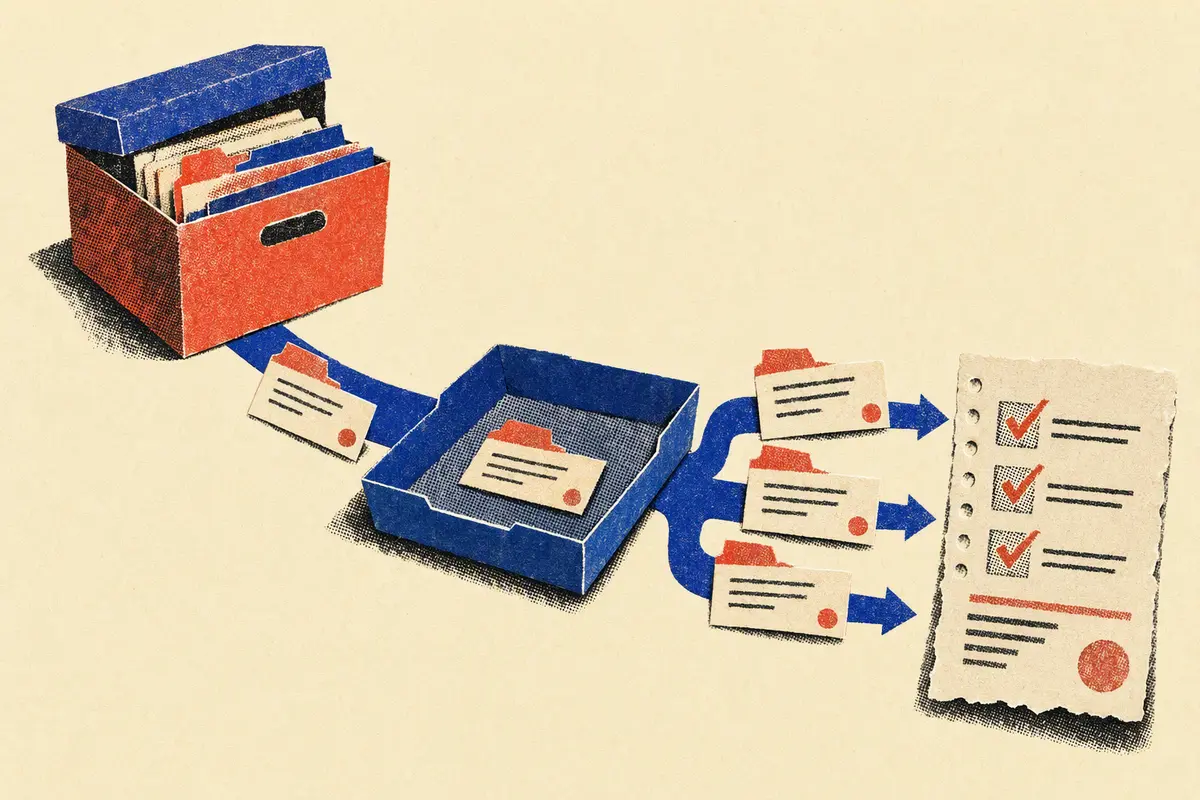
A full disaster simulation is easy to postpone. Restore Drill samples the recovery path you actually need, on a cadence you can sustain.
The CLI—not your restore command—creates a random temporary directory.
Your existing tool restores only configured paths with your read-only credentials.
Check SHA-256 and optionally ask the real application to open or parse each file.
Cleanup happens first. Then a read-only, hash-chained JSON receipt records the result.
Your first drill
Start with a file you would immediately miss: a tax PDF, password-vault export, database dump, or family photo. Restore Drill never reads its contents into logs.
version = 1
name = "monthly essentials"
cadence_days = 30
receipt_dir = ".restore-drill/receipts"

[restore]
command = ["restic", "restore", "latest",
  "--target", "{target}", "--include",
  "/Documents/tax.pdf"]

[[sample]]
path = "Documents/tax.pdf"
sha256 = "your-known-good-sha256"
open_with = ["pdftotext", "{file}", "/dev/null"]
Then: restore-drill check && restore-drill run
Recorded local flow
This browser simulation uses a fixed fixture and never touches your files. Compare a healthy run with the exact failure a scheduler would receive.
$ restore-drill run --config fixture.toml
Waiting to run a simulated sample…
Restore evidence / immutable JSON
Awaiting drill
Quiet by default
Failed — the restore command, hash, or open-check did not pass.
Overdue — no successful receipt exists inside your chosen cadence.
Everything else exits quietly with code 0. JSON output is built for cron, systemd timers, and your existing notifier.
Operator notes
No. Restore Drill inherits the environment of your configured command. Keep credentials in your backup tool's existing mechanism and use read-only repository access.
No. It proves what this binary observed on this host. Copy receipts to append-only external storage if a local attacker is in your threat model.
You should still rehearse full recovery. A small monthly sample catches missing, corrupt, stale, and unusable files between larger exercises.
It stays in an OS-created temporary directory only for verification. Cleanup finishes before the receipt is written. Cleanup failure makes the drill fail loudly.
The next useful backup task
Then let the receipt—not your memory—tell you when it is time again.
Get Restore Drill on GitHub